Replies
Answer every review with a calm public reply
AI drafts a reply to every review. Approve it, copy it to Google in a click, and TrustMetrics tracks your response rate.
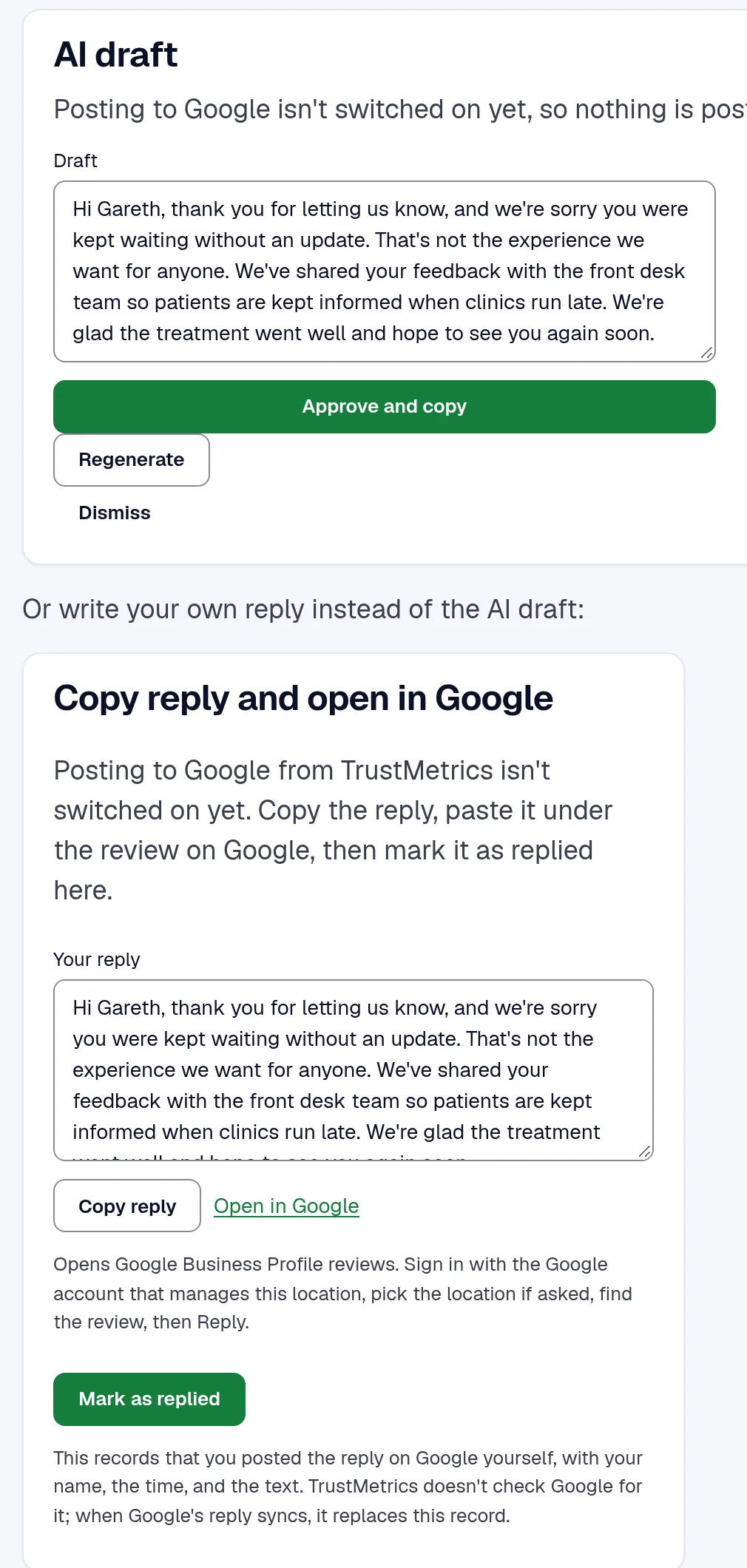
You can write the reply yourself, or start from the draft. Approve it, then use Copy reply. Then use Open in Google. You reply on Google, then click Mark as replied. TrustMetrics counts that reply in your response rate and your median response time. Posting straight to Google is coming soon. Starter includes 100 drafts a month, and each one needs a person. Growth includes 1,000 drafts, and Scale includes 3,000. Drafts are not billed on top.
Have a calm answer the same day
A public complaint can sit there while you find the words. You want a reply that names the issue, without a fight in public and without asking anyone to delete the review.
Steps
How it works
01
Open the review
It is waiting in the inbox for that location, alongside the other sites.
02
Approve the draft
Change it if the facts are wrong. On Starter, every draft waits for a person.
03
Copy it to Google
Use Copy reply, then Open in Google. Reply there, then click Mark as replied. Posting straight to Google is coming soon.
The app
See the real app
This screen is from the app, with sample data.
Also included
One list for every site
New reviews land in your inbox automatically.
Billing
No surprises on billing
- Prices are in US dollars and exclude tax. A UK company pays UK VAT on top.
- We don't offer refunds. You can cancel any time from Billing. You keep access until the end of the period you've paid for.
- Cancel before the 14-day Starter trial ends and you won't be charged.
- Starter includes 3 locations and 3 seats.
- Only Starter has a 14-day trial. A card is required. One trial per customer.
- About 3 days before the first charge, we send an email. It shows the plan, the amount, and the date. It also has a link to manage or cancel.
- Annual billing charges for 10 months. That is 2 months free.
- You can cancel any time from Billing.
- Billing opens the Stripe customer portal.
- Cancel takes effect at the end of the paid period.
- You keep access until then, and you can undo the cancel before then.
- Nothing is deleted.
- There is no contract and no minimum term.
- We do not gate reviews.
Answers before you pay
Do I have to approve every draft?
Does TrustMetrics post the reply on Google?
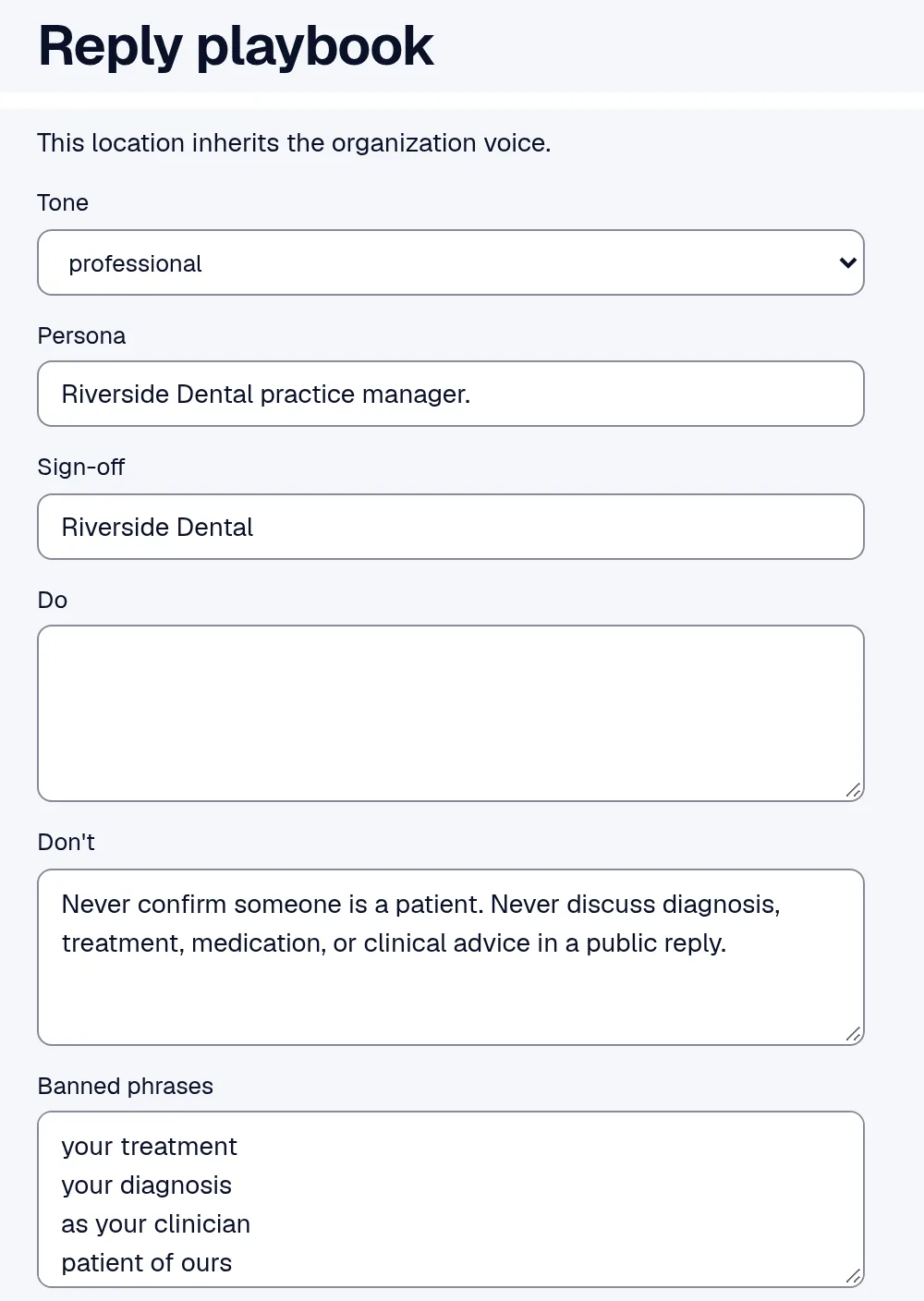
Can the reply playbook change on its own?
Is this allowed by Google?
Do I need to be technical?
Start collecting reviews on Starter
The 14-day trial is only on Starter, and a card is required. One trial is allowed per customer.